
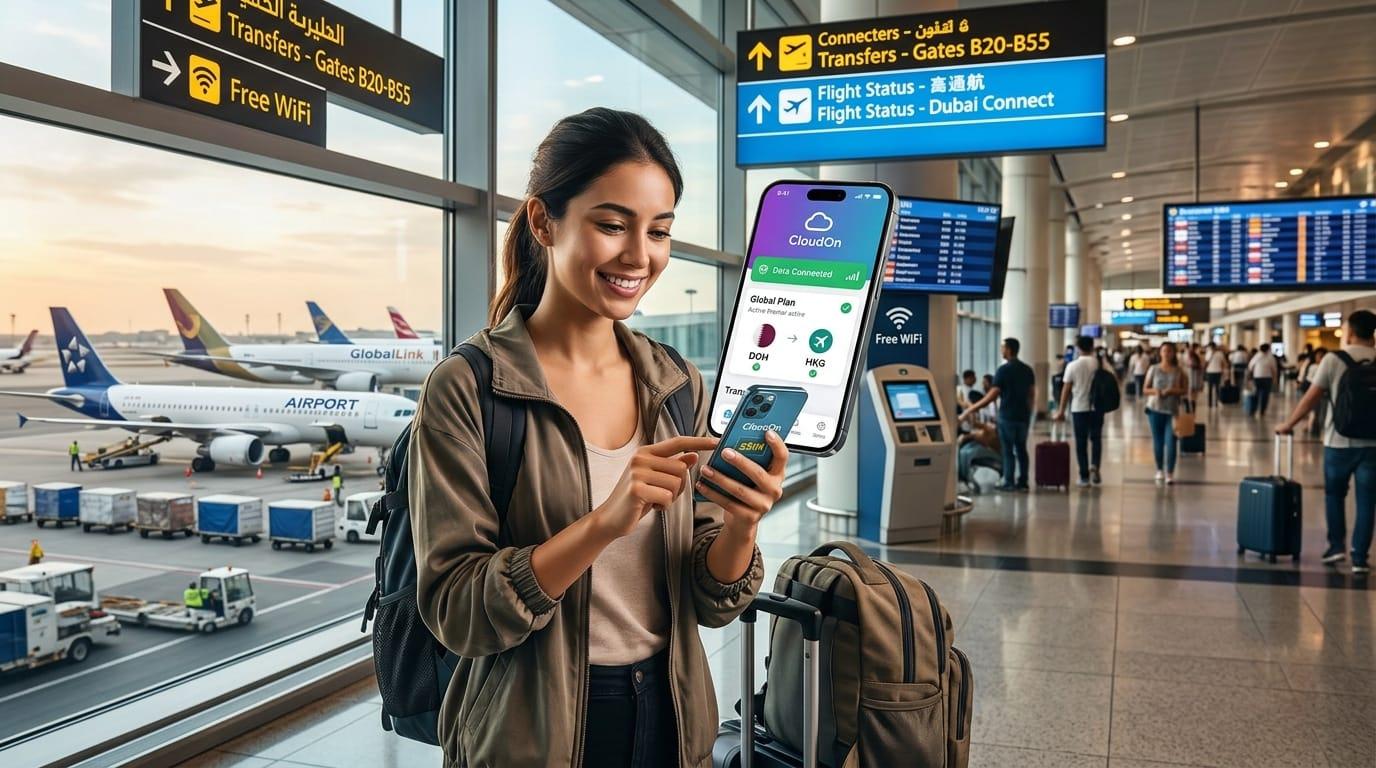
Your flight touches down in Dubai at 2:00 a.m. Your connecting flight departs in less than two hours from an entirely different terminal. The gate has been changed, your family is waiting for a status update, and the airport Wi-Fi portal insists on sending an SMS verification code to your home mobile number—which currently has zero network signal.
This is the exact moment thousands of international travelers realize a common oversight: they bought a mobile data plan for their final destination, but left their connection to chance during transit.
A transit layover is a temporary stop in a country where your home carrier charges expensive daily roaming rates. Yet, transit is often when you need secure, instant mobile data the most.
This guide breaks down layover realities across four of the world’s largest aviation hubs and explains how a CloudOn transit eSIM delivers seamless connectivity across your entire journey.
What is a Transit eSIM?
A transit eSIM (embedded SIM) is a digital SIM profile downloaded directly onto your smartphone without swapping physical plastic SIM cards.
Instead of purchasing single-country SIMs for every stop along your route, travelers use CloudOn regional or global eSIM plans. A single regional plan (such as Asia-Pacific, Middle East, or Europe) covers both your transit hubs and your final destination under one seamless package.
How Long Do Passengers Spend in Transit?
Layover durations vary from tight 60-minute connections to full-day stopovers. Airlines enforce Minimum Connection Times (MCT) and frequently offer layover packages for extended stays.
Airport Hub | Main Airline | Shortest Int'l Connection | Long-Layover Program / Transit Options |
Dubai (DXB) | Emirates | 1 hour 15 minutes | Dubai Connect: Complimentary hotel, transfers, and meals for 6–26 hour connections |
Doha (DOH) | Qatar Airways | 60 to 90 minutes | Discover Qatar Transit Tours: Guided city and desert tours for layovers of 4 to 6+ hours |
Istanbul (IST) | Turkish Airlines | 1 hour 15 minutes | Touristanbul: Free city tour, meals, and museum entry for layovers of 6 to 24 hours |
Singapore (SIN) | Singapore Airlines | 1 hour 30 minutes | Free Singapore Tour: 2.5-hour city tour for transit times between 5.5 and 24 hours |
Layover Realities at the Top 4 Global Hubs
1. Dubai International (DXB) with Emirates
Short connections at DXB require moving rapidly between Concourse A, B, or C. If your layover triggers Emirates' Dubai Connect program, you must clear immigration, exit the terminal, and locate hotel shuttle transportation—all tasks that become complicated without active GPS and mobile internet.
2. Hamad International (DOH) with Qatar Airways
Doha is a major gateway connecting Europe, Africa, and Asia. If you step out for a city tour or desert safari during a 5-hour layover, public airport Wi-Fi cuts off the moment you exit the main doors.
3. Istanbul Airport (IST) with Turkish Airlines
Istanbul Airport is massive. Navigating its terminal requires real-time gate tracking. Moreover, IST's free public Wi-Fi requires an SMS code or a physical passport scan at a terminal kiosk, granting only 1 free hour of internet access.
4. Singapore Changi (SIN) with Singapore Airlines
While Changi boasts world-class amenities like the Jewel indoor waterfall, participating in the Free Singapore Tour requires leaving the airport perimeter. Staying connected ensures you return to the transit lounge 90 minutes before your flight without losing track of gate updates.
Why Airport Wi-Fi Fails Travelers in Transit
While airport Wi-Fi is widely available, relying on it during layovers introduces major friction points:
SMS Verification Walls: Many airport portals require receiving a text code to connect. If your home SIM has no roaming signal, you cannot log in.
Strict Time Limits: Airports like Istanbul restrict free Wi-Fi to 60 minutes.
No Coverage Outside Terminals: Taking advantage of airline stopover tours or exiting to an airport hotel leaves you completely offline.
Bandwidth Throttle: During peak hours with tens of thousands of connected devices, free networks experience high latency and dropouts.
Security Risks: Unencrypted public Wi-Fi exposes sensitive banking logins, emails, and passwords to security vulnerabilities.
What You Need Mobile Data for During Layovers
[1 - 3 Hour Layover]  -->  Live Gate Change Alerts | Airline App Updates | Messaging Family
[3 - 6 Hour Layover]  -->  Work Email & Calls | Video Streaming | Rebooking Delayed Flights
[6 - 24 Hour Layover] -->  City Maps & Uber/Rideshare | Tour Bookings | Translation & Payments
When flight delays or missed connections occur, travelers with active mobile internet are always the first to rebook seats via airline apps while others wait in long service desk queues.
Why CloudOn is the Ultimate eSIM Solution for Layovers
CloudOn is engineered specifically to keep international travelers connected across 190+ countries without high fees or complex configurations.
Instant Automatic Activation: Install your eSIM before departure; data connects automatically to Tier-1 local networks the moment your airplane lands.
One Plan, Multiple Stopovers: Choose a CloudOn Regional or Global plan to cover all transit points and your destination on a single purchase.
Validity Starts on Connection: CloudOn plan validity begins when you first connect to a supported network abroad—not when you purchase or install it.
Keep Your Home Number Live with Teleleo: Keep your primary SIM active for home calls and bank OTP SMS while using CloudOn strictly for low-cost international data.
Zero Hidden Roaming Fees: Prepaid plans mean you retain complete control over your budget with real-time usage tracking inside the CloudOn app.
Step-by-Step: Setting Up Your CloudOn eSIM Before You Fly
1.Choose Your Destination or Region:Select a plan that covers your transit countries.
Open the CloudOn App or web store. Pick a Regional or Global plan that includes both your transit airport stopovers and your final destination country.
2.Install via QR Code or Tap:Complete setup at home over Wi-Fi.
Scan the provided QR code or use direct installation inside the CloudOn app before heading to the airport.
3.Configure Dual-SIM Settings:
Set your CloudOn line as your Primary Cellular Data source while leaving your primary carrier active for incoming calls and SMS.
4.Land and Connect:No airport Wi-Fi required.
Upon landing at your transit hub, switch on Data Roaming for your CloudOn line. Your phone will immediately register on local 4G/5G networks.
Frequently Asked Questions (FAQ)
Do I really need an eSIM for a short 1-hour layover?
Yes. Short layovers offer zero margin for error. Having immediate connectivity lets you check real-time gate changes, terminal navigation maps, and flight status updates without spending precious minutes trying to connect to airport Wi-Fi.
Can one CloudOn eSIM plan work for both my layover and main destination?
Absolutely. CloudOn offers multi-country regional plans (such as Global, Europe, Asia-Pacific, and Middle East & North Africa). A single regional plan covers all supported countries along your flight itinerary.
Will my CloudOn eSIM work if I exit the airport into the city?
Yes! Because CloudOn connects directly to partner mobile phone networks (like local carrier towers), your internet connection works seamlessly in taxis, metro stations, hotels, and city centers.
When does my data plan validity start?
Your CloudOn validity timer starts only when your eSIM connects to a supported local network at your destination or transit hub. Purchasing or installing it early will not consume your plan days.
Ready for stress-free travel?
Don't let airport Wi-Fi hold back your journey. Download the CloudOn App today to browse data plans across 190+ countries and travel with effortless connectivity.