
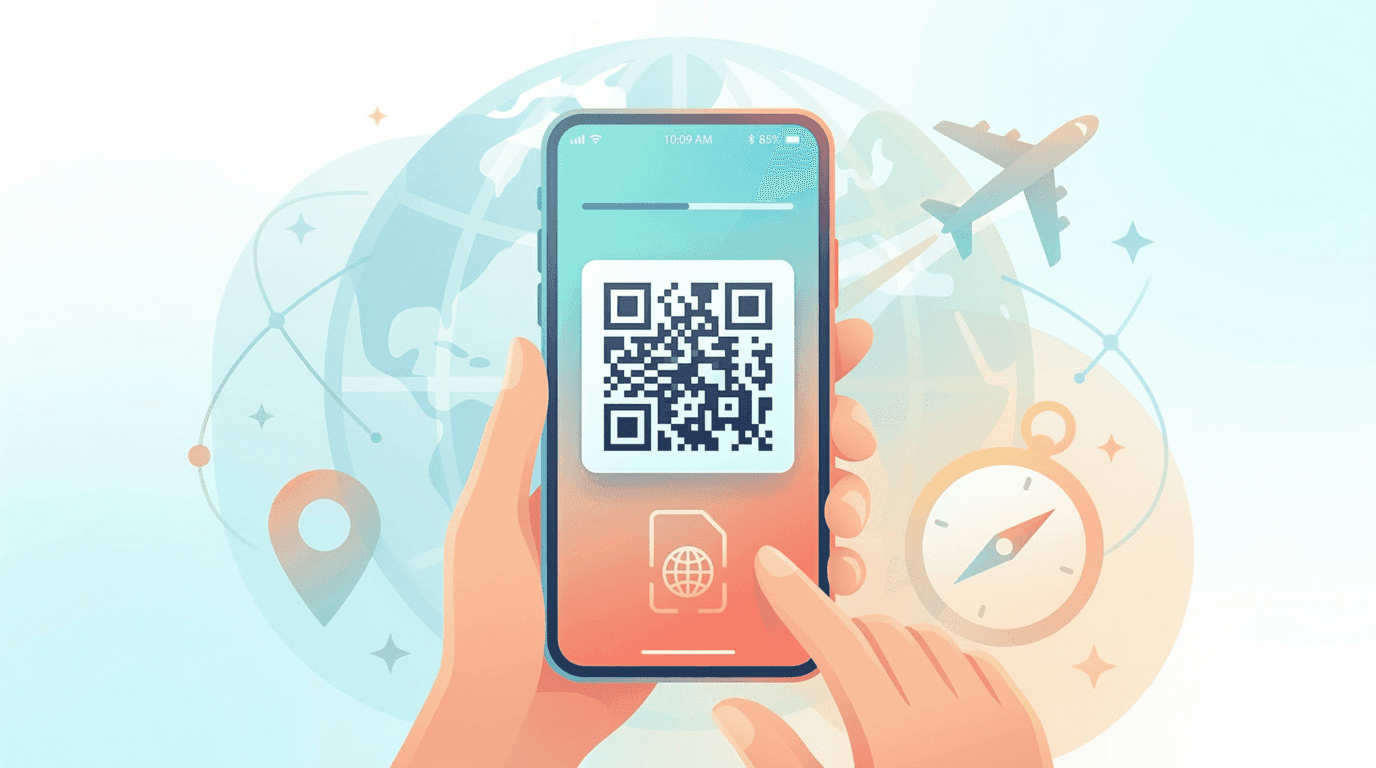
If you've ever fumbled with a SIM ejector tool at a crowded airport, or come home to a phone bill full of roaming charges, an eSIM (embedded SIM) fixes both problems. It's a SIM built into your phone, so there's no card to swap. You buy a data plan online, scan a QR code, and your phone connects to a local network when you land.
This guide explains what an eSIM is, how it works, which phones support it, and what to check before you buy one for a trip.
What is an eSIM and how does it actually work?
An eSIM is exactly what it sounds like: an embedded SIM card. Unlike a plastic SIM that you insert and remove, the eSIM chip is permanently built into your device. When you buy an eSIM plan, you get a QR code. Scan it with your phone, and the carrier's network profile downloads onto that chip. From then on, your device connects to that network just as it would with a physical SIM.
The real advantage? Most modern phones can store several eSIM profiles at once. You can keep your home line active for calls and texts (Dual SIM) while adding a prepaid travel data plan for your trip, then switch between them in your phone's settings.
eSIM vs Physical SIM: A Quick Comparison
| Feature | Physical SIM | eSIM (Digital SIM) |
|---|---|---|
| Setup & Activation | Wait for mail or visit a store | Instant QR code scan |
| Switching Plans | Fumble with SIM ejector tool | Toggle instantly via Settings |
| International Travel | Hunt for an airport SIM kiosk | Buy online before your flight |
| Multiple Plans | Can only hold one at a time | Store several profiles on one chip |
For a deeper look at when a plastic SIM still makes sense, read our eSIM vs physical SIM comparison for travelers.
Is your device eSIM compatible?
Probably. eSIM support is standard on most flagship phones released since 2018, including the iPhone XR and every newer iPhone, Google Pixel 3 and above, and the Samsung Galaxy S20 series and newer. Since the iPhone 14, iPhones sold in the US have no physical SIM tray at all.
Two quick ways to check:
- iPhone: go to Settings → Cellular (or Mobile Data). If you see Add eSIM or Add Cellular Plan, your phone supports it.
- Android: go to Settings → Network & internet (Connections on Samsung) and look for Add eSIM, SIM manager or Download a SIM instead.
One important requirement: your device must be carrier-unlocked to use a third-party eSIM plan. Phones bought on a carrier payment plan are sometimes locked, so ask your carrier before you travel. Not sure about your model? Check our full device compatibility list.
How to use an eSIM when you travel
The process is the same whichever country you visit:
- Pick a plan for your destination, or a regional plan if you're crossing borders. Browse the CloudOn eSIM store by country or region.
- Install it before you leave, while you're on reliable Wi-Fi. You'll get a QR code by email; scan it from your phone's cellular settings.
- Set the eSIM as your data line and leave your home SIM on for calls and texts if you want to stay reachable.
- Turn on data roaming for the eSIM line when you land. Travel eSIMs connect to partner networks, so most need roaming enabled on that line.
Step-by-step screenshots for each phone are on our eSIM installation guide. If you're on an iPhone, the iPhone eSIM setup walkthrough covers the exact menus.
Pros and cons of eSIMs for travelers
What's better
- You're online the moment you land, with no kiosk queue.
- Your home SIM stays in the phone, so you can still get calls, SMS codes from your bank, and messages on your usual WhatsApp number.
- Prices are fixed up front, so there's no surprise roaming bill.
- One regional plan can cover a multi-country trip.
What to watch out for
- Older or carrier-locked phones can't use them.
- Travel eSIMs are usually data-only, so you won't get a local phone number for calls.
- Deleting an eSIM profile from your phone usually can't be undone, so don't remove it while troubleshooting. Contact support instead.
How much does a travel eSIM cost?
It depends on the destination and how much data you need. As a guide, CloudOn plans for Japan start from $1.99 for 1GB over 7 days, and the Europe regional plan covering 35 countries starts from $1.59. Longer trips usually work out cheaper with a 10GB or 20GB plan than with several small top-ups. If you're unsure how much to buy, our travel data calculator and guide helps you estimate it from how you use your phone.
Common questions about eSIMs
Can I use an eSIM and a physical SIM at the same time?
Yes, on any Dual SIM phone. Most travelers keep their physical SIM for calls and texts and use the eSIM for data.
Will I keep my WhatsApp number?
Yes. WhatsApp is tied to your account, not to the SIM providing data, so your chats and number carry on as normal. More detail in our guide to using WhatsApp with a data-only eSIM.
When should I install it?
A day or two before you fly, on home Wi-Fi. Check the plan details for when the validity period starts, since some plans begin counting from installation and others from the first connection abroad.
Is an eSIM slower than a physical SIM?
No. It connects to the same local 4G and 5G networks, so speed depends on the network and your location, not on the SIM format.
Once you know your phone is compatible, the practical side is covered in how to use an eSIM while traveling. Ready to pick a plan? Browse eSIM plans by destination →